Specifications
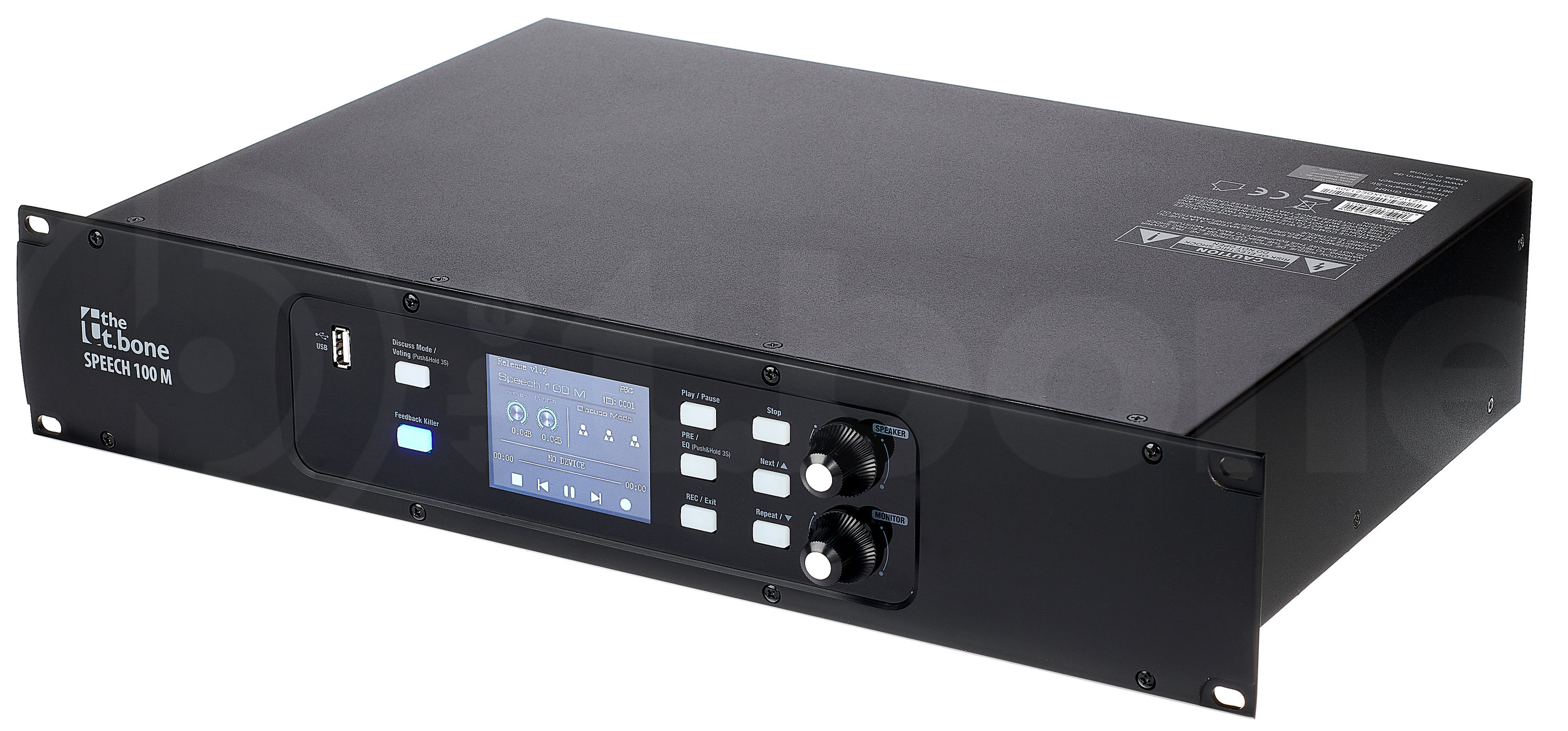
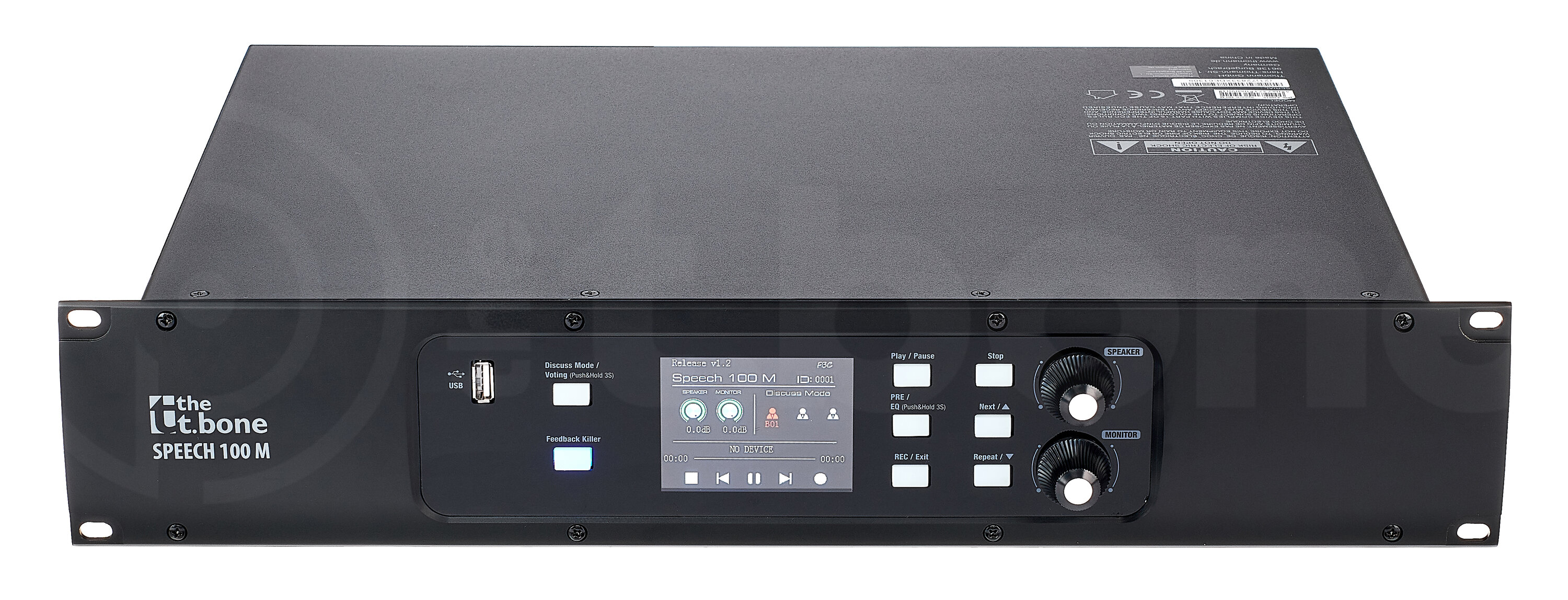
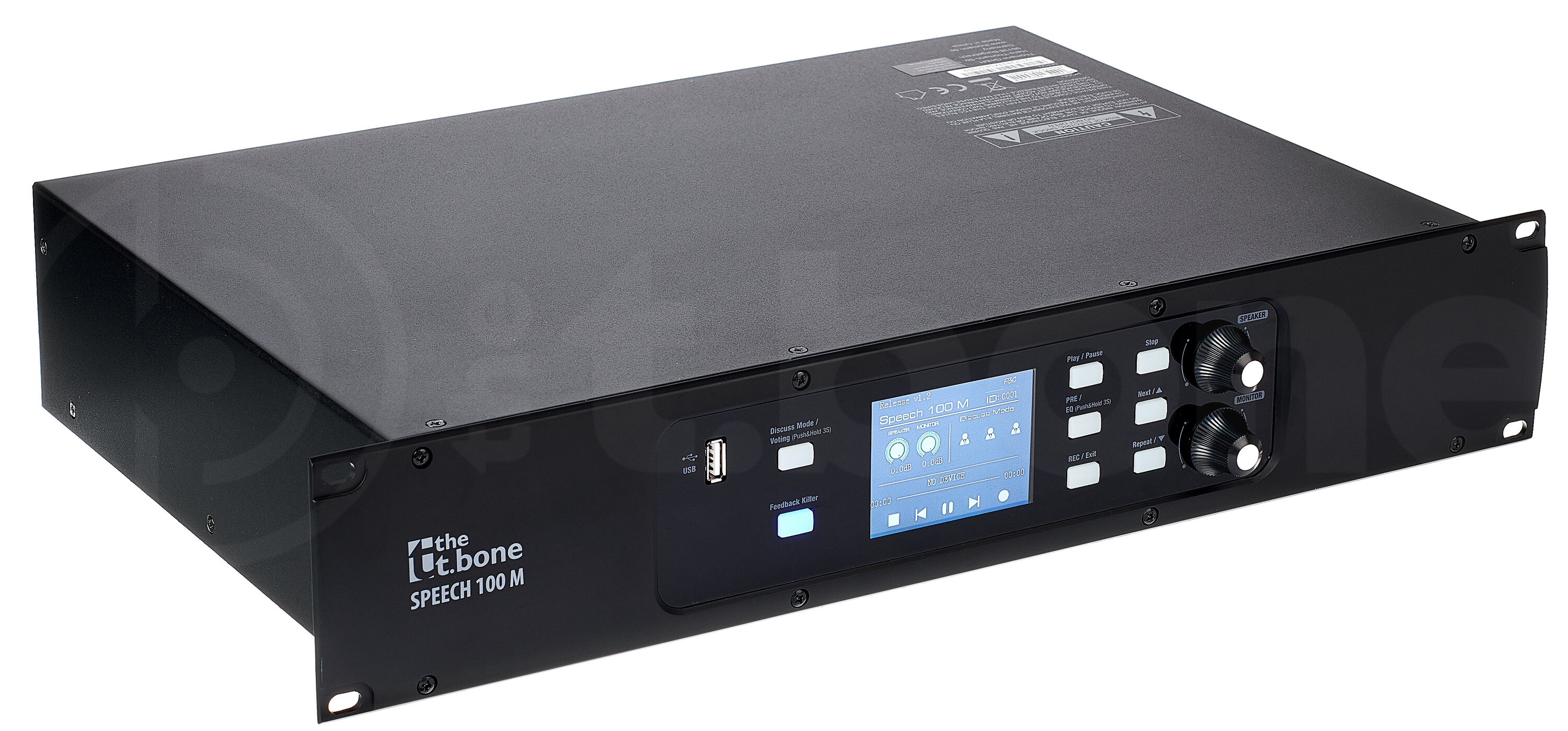
the t.bone Speech 100 M
Control Centre for Digital Conference System
- 2 Groups with up to 16 call stations each
- Feedback suppression
- USB recording and playback (*.mp3, data carrier up to 32 GB)
- Configuration via PC or App
- 4 Discussion modes (3, 6, 9 or all microphones can be activated at the same time)
- Tuning mode
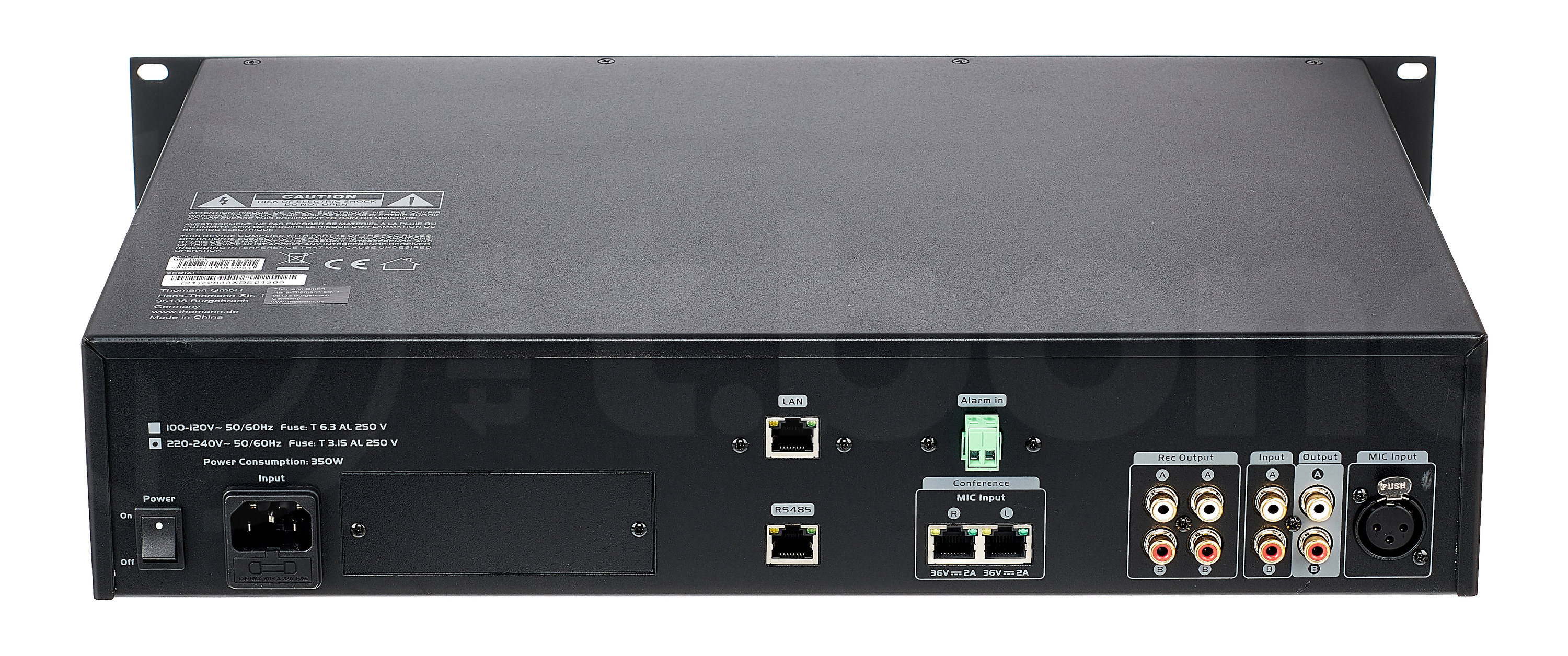
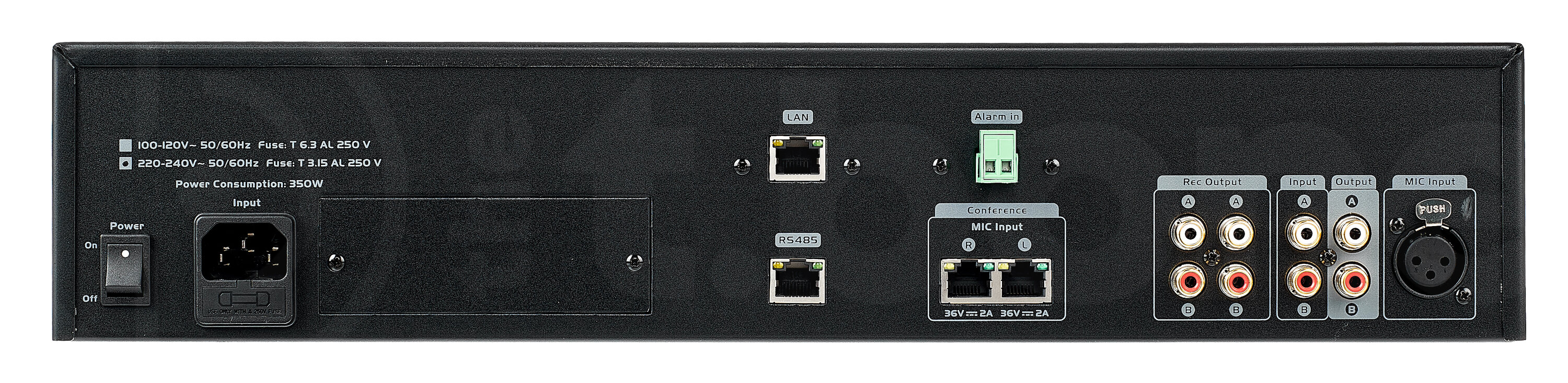
- 2 x Stereo Rec Out (RCA)
- 1 x Stereo out for sound system (RCA)
- 1 x Stereo in (RCA)
- 1 x Mic In (XLR with phantom power)
- 1 x LAN
- 1 x RS485 for video tracking
- Build: 19″ / 2 U
- Dimensions (W x H x D): 419 x 692 x 583 mm
- Weight: 5.5 kg
- Suitable booster for more than 16 microphone units per line: Art.#498125# (not included in delivery)
- Matching case: Art.#496024# (not included in delivery)

Everything under control
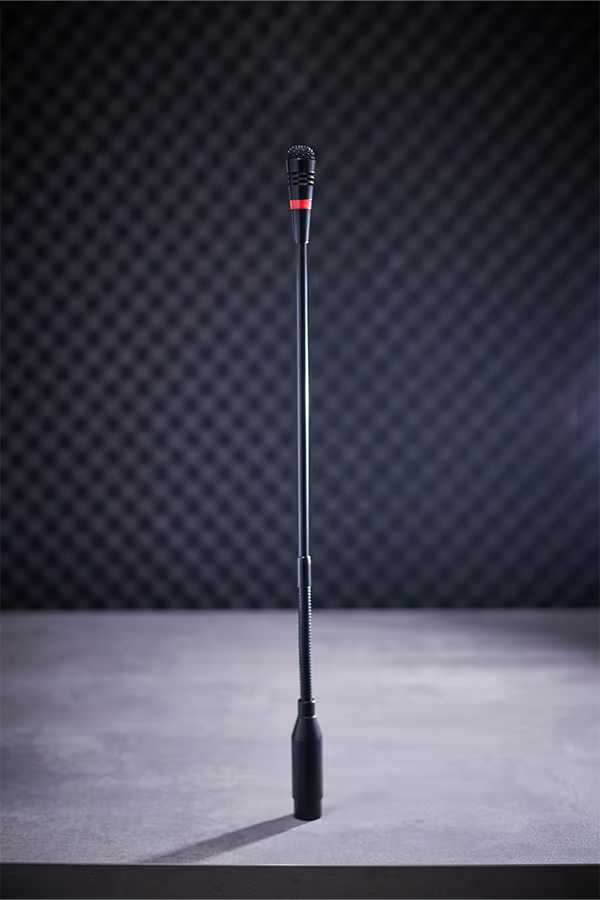
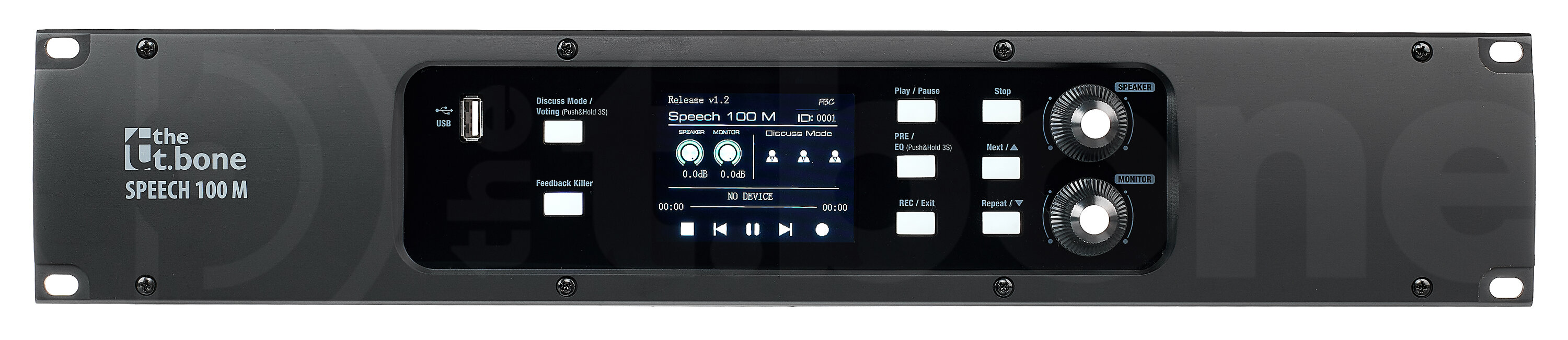
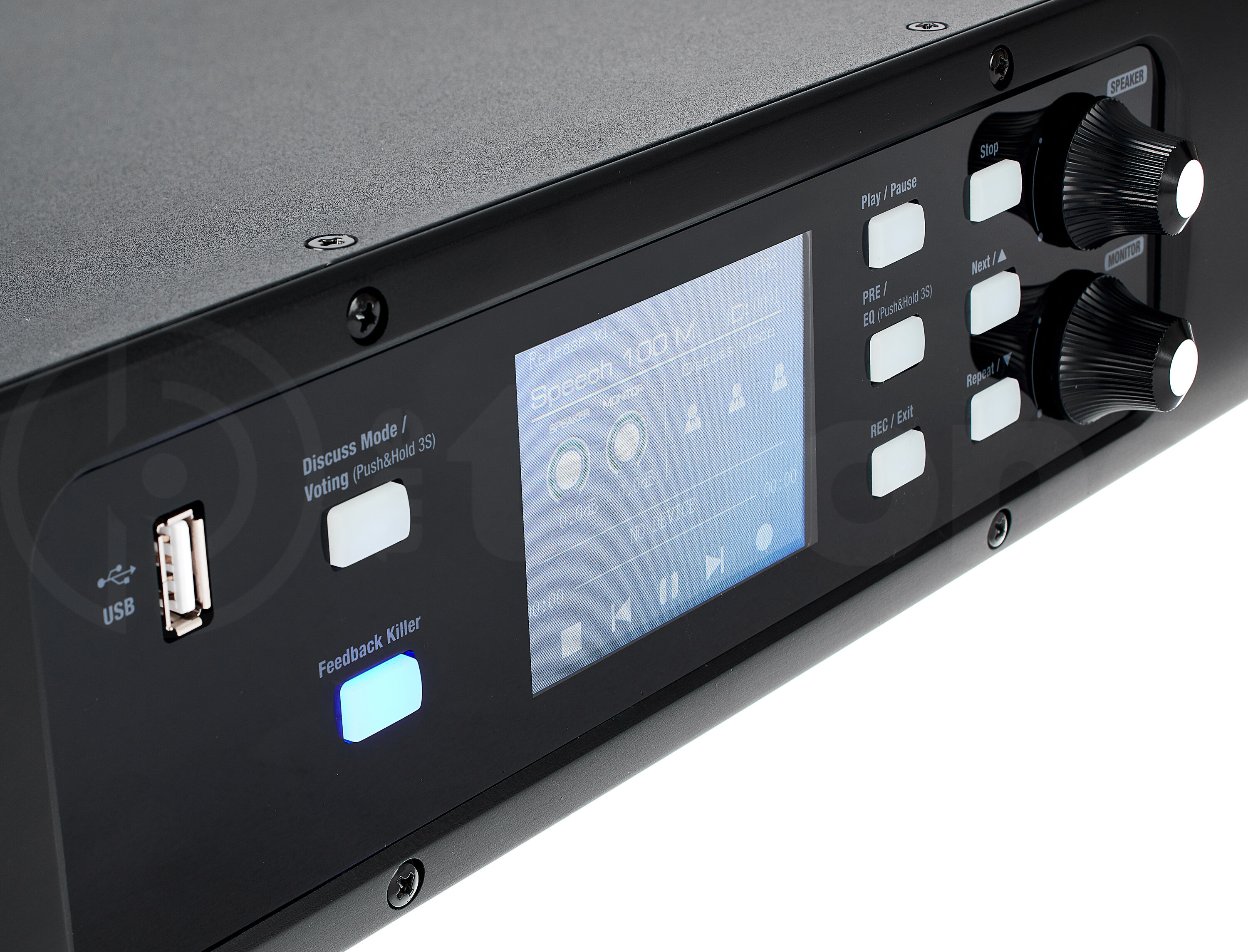
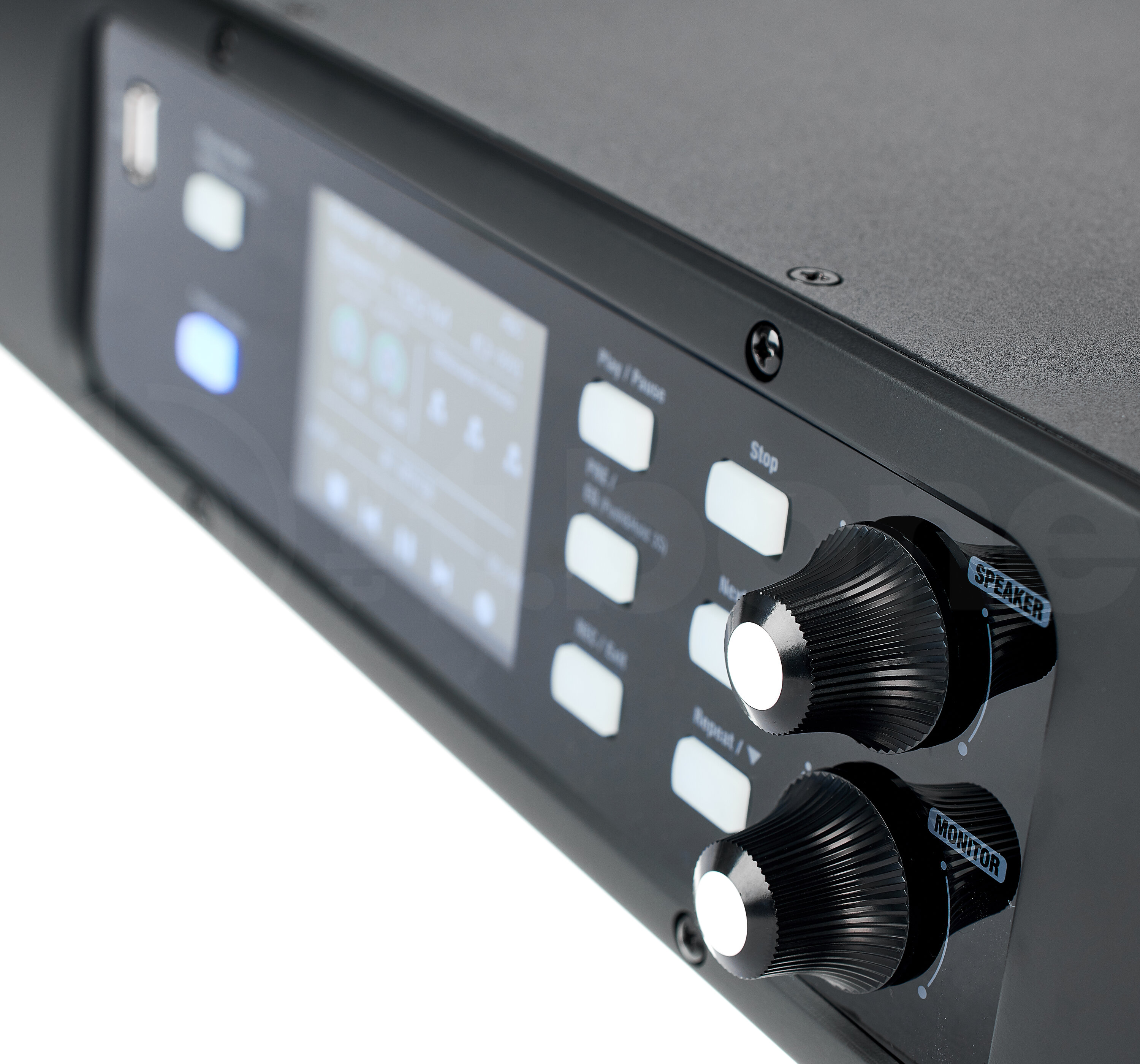
Up to 32 delegate stations in two groups of 16 units can be connected directly. Using the booster Speech 100 B, you can connect a further 64 microphone units. The system is easy to configure using the onboard buttons and screen, a computer or an app. Individual stations can be compressed and EQ’d, and there’s an additional bus EQ for the sum output. The unit even offers feedback suppression, which is easily accessible as a one-button panic function on the front plate.
Discussions and votings
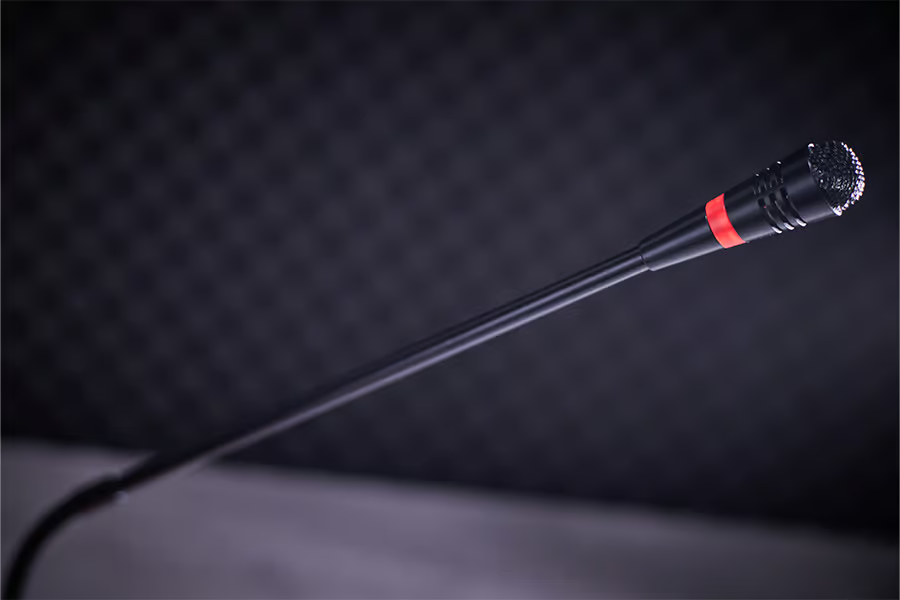
Different discussion modes allow for the activation of 1, 3, 6, 9 or even all microphone stations simultaneously. Special “president” units (Speech 100 C) are granted speaking priority when needed. Another key feature of the Speech 100 M control centre is the ability to conduct votings. While the configuration is easy on the unit itself, it is even smoother using a computer and the formidable t.bone Speech 100 M System Editor. A bigger computer screen lets you view high-resolution equalizer curves and many parameters at once in its GUI. Playing music from an external device is a piece of cake and works like any standard MP3 player.
Lots of connections

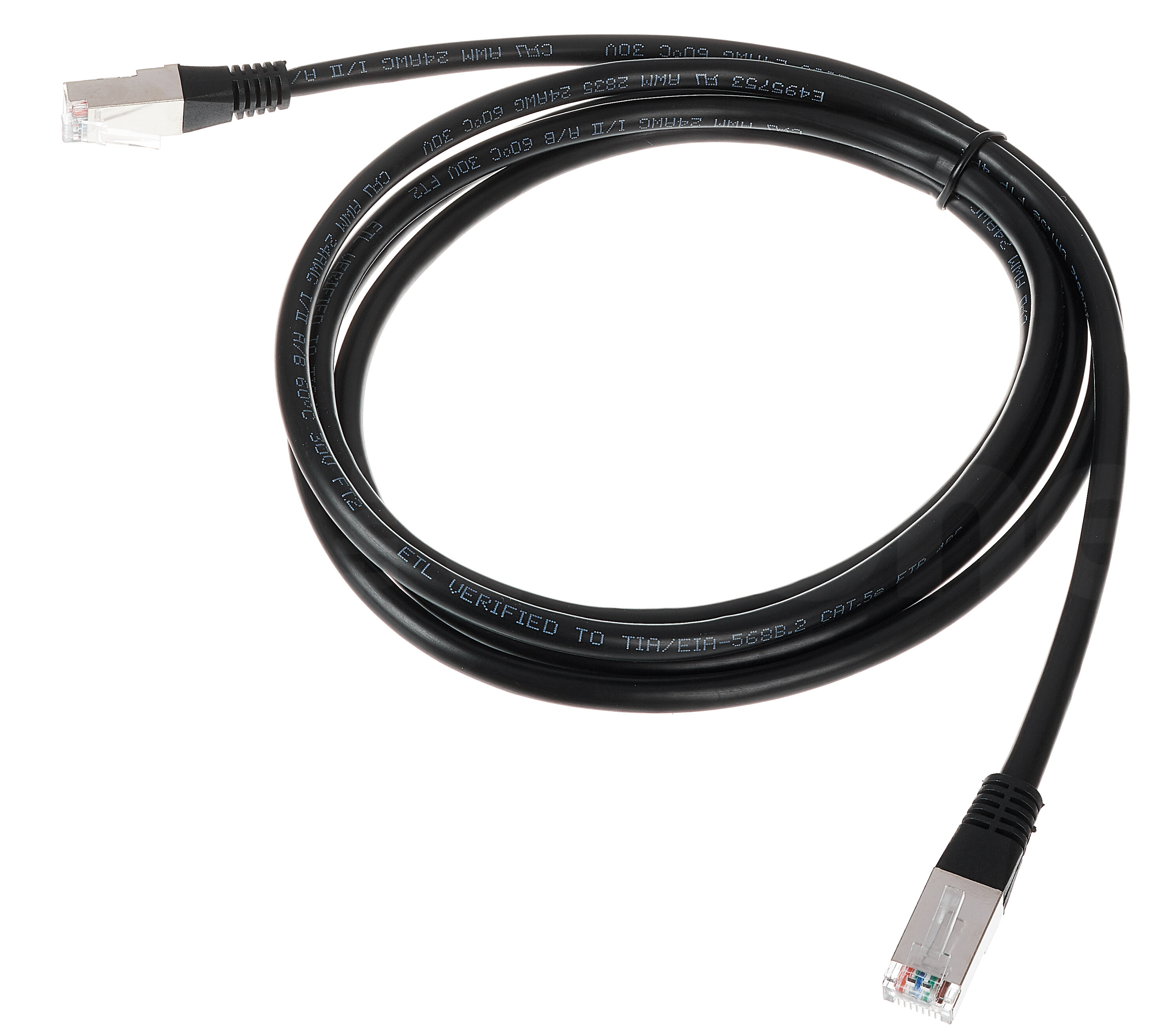
The t.bone Speech 100 M connects downstream via analog stereo recording outputs and a stereo out for public address, both via RCA jacks. There are also a stereo RCA input and a separate XLR microphone input with phantom supply ready for service. Furthermore, a recording and playback USB port can be found on the front plate. Two LAN cables at the back connect to the delegate units, a separate port allows for connection to a LAN network. An alarm input allows access for external alarm systems. The t.bone Speech 100 M is housed in a 19”/2U unit.